
Canva Graphic Design Course Training
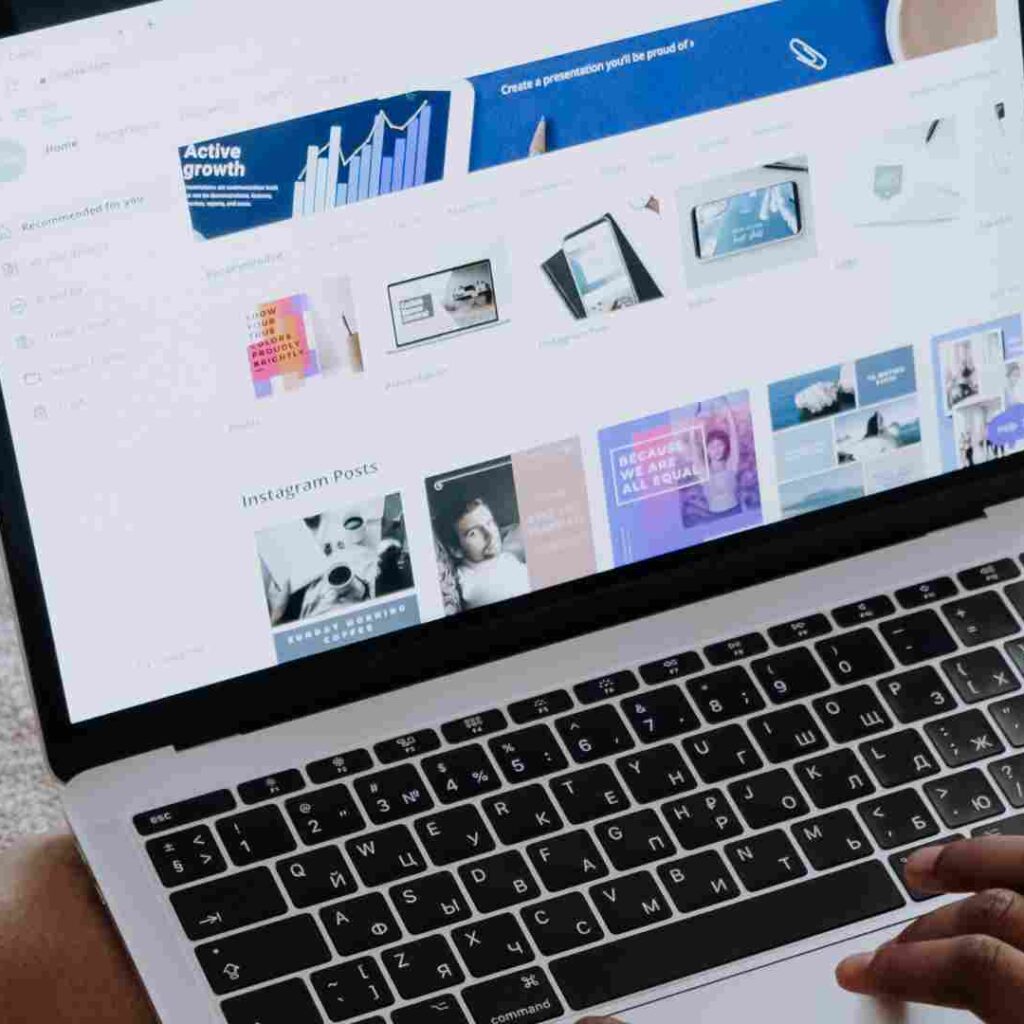
Unleash Your Creativity with OurCanva Graphic Design Course Training – Perfect for Beginners, Entrepreneurs, and Aspiring Designers!
Ready to unlock your creative potential? Our Canva Graphic Design Course Training is designed to help you turn ideas into eye-catching visuals—even if you have no prior design experience! Whether you’re an entrepreneur, student, small business owner, or creative enthusiast, this step-by-step training will equip you with the skills to design professional-quality graphics for social media, presentations, marketing materials, and more.
Why Choose This Canva Design Course Training?
✔️ Beginner-Friendly Approach – No complicated software or previous knowledge required.
✔️ Hands-On Practice – Learn by doing, with real-world design projects and exercises.
✔️ Practical Business Use – Create marketing materials, flyers, Instagram posts, ads, YouTube thumbnails, and much more.
✔️ Time-Saving Techniques – Discover Canva’s best shortcuts, tools, and hidden features to design faster and smarter.
✔️ Flexible Learning – Access course materials anytime, anywhere on any device.
What You’ll Master in This Course:
🎨 1. Canva Basics & Dashboard Overview
-
How to set up a free Canva account
-
Navigating the Canva interface effortlessly
-
Introduction to essential tools and features
✨ 2. Using Templates for Quick, Stunning Designs
-
Exploring Canva’s pre-built templates for social media, print, and presentations
-
Customizing templates to fit your personal or business brand
🖼️ 3. Creating Beautiful Graphics From Scratch
-
Designing professional Instagram, Facebook, LinkedIn & YouTube posts
-
Building business cards, posters, flyers, banners, logos, and brochures
🔤 4. Text, Image & Element Customization
-
Adding and editing text, photos, icons, and design elements
-
Playing with fonts, colors, and layouts like a pro
🎨 5. Essential Design Principles
-
Understanding composition, alignment, hierarchy, and balance
-
Choosing the right color schemes and typography for effective communication
💾 6. Exporting & Sharing Designs
-
Downloading your work in various formats: JPG, PNG, PDF, MP4
-
Best practices for sharing designs on social media platforms
🚀 7. Bonus Tips & Pro Features
-
Exploring Canva Pro: advanced features & benefits
-
Saving time with brand kits, content planners, and smart mockups
Who Should Enroll?
-
✅ Complete Beginners – No design experience required.
-
✅ Small Business Owners & Entrepreneurs – Create your own ads, posters, and marketing assets.
-
✅ Students & Professionals – Impress your audience with creative presentations and reports.
-
✅ Social Media Managers & Influencers – Build scroll-stopping content without hiring a designer.
Course Highlights:
✔️ Practical real-world design projects
✔️ Downloadable resources and editable templates
✔️ Access to the latest Canva tools and updates
✔️ Personalized feedback and support
✔️ Certificate of completion to boost your resume and portfolio
Frequently Asked Questions (FAQs):
Q1: Do I need any prior graphic design experience?
No! This course is made for absolute beginners.
Q2: Is Canva free to use?
Yes. You can use the free version of Canva or try Canva Pro features during a free trial.
Q3: Will I get a certificate after completion?
Yes, a certificate will be awarded after you finish the course.